Square Takeoff blog
Digital estimating tips and takeoff software guides for contractors.



Takeoff 101
A beginner-friendly guide to construction takeoffs. Learn the fundamentals, terminology, workflows and best practices to confidently create accurate material estimates.
-
Takeoff 101
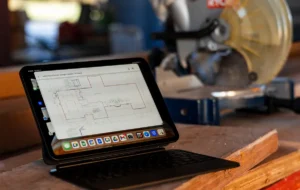
What is a construction takeoff? Everything you need to know
Learn what a construction takeoff is, why it matters and how digital takeoff software like Square Takeoff helps contractors save time and win more bids.
-
Takeoff 101
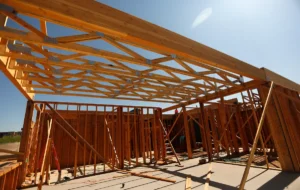
How to do a material takeoff: A beginner’s guide for contractors
-
Takeoff 101
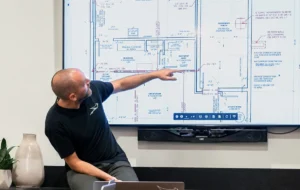
How to do a lumber takeoff: Step-by-step for small contractors
Trade-specific estimating
Focused insights and practical guidance for estimating within specific trades. Explore tailored tips, workflows and best practices for concrete, framing, drywall, roofing, electrical work and more.
-
Trade-specific estimating
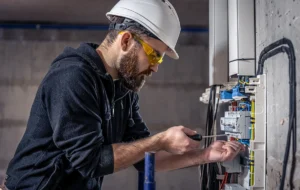
How to avoid the top 5 estimating errors that cost electricians time and money
Learn how electricians lose money in estimates and how to avoid common estimating errors. Improve accuracy, speed and profitability with smarter digital takeoffs.
-
Trade-specific estimating
How to cut painting estimate time in half without sacrificing accuracy

-
Trade-specific estimating
Roofing estimates made easy: How to build profit into every bid
Explore all blogs
Filter By Category